
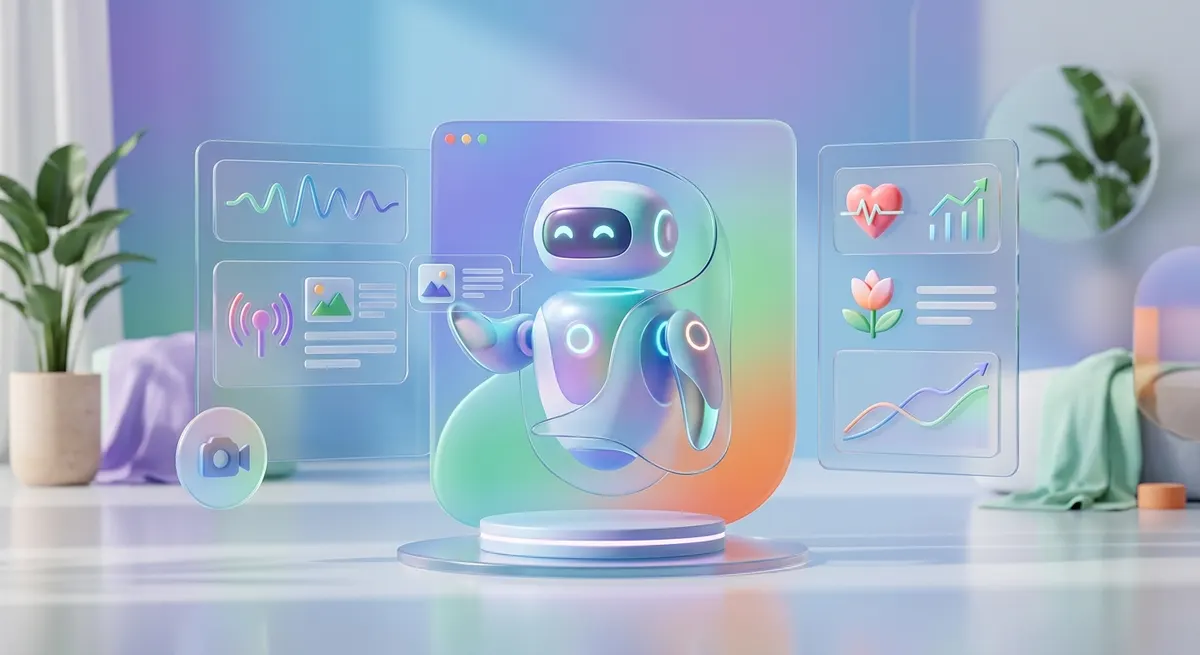
Mastering Aura's Multimodal Chatbot in 3 Simple Steps
When unexpected stress hits during a busy workday, waiting for a scheduled therapy session does not solve the immediate overwhelm. You need a practical way to process your thoughts right now, using whatever communication method feels easiest in the moment. Aura integrates a Multimodal Chatbot designed to adapt to your exact state, whether you prefer typing out a frantic list of tasks, speaking your frustrations out loud, or uploading a photo of a chaotic workspace to ground your mind. By following this exact walkthrough, you will learn how to open the feature, select your preferred input mode, and receive tailored mental health guidance within seconds.
Opening the Aura App and Locating the Multimodal Chatbot
Choosing Your Input Method: Text, Voice, or Image
Reviewing Real-Time AI Responses and Coping Strategies
Saving Helpful Insights to Your Personal Profile
Adjusting Bot Sensitivity and Session Preferences
Reviewed by the AURA Team
This article was checked by our editorial team for accuracy and for adherence to our quality policies.
FAQ
Can I switch between voice and text inputs mid-conversation?
Yes, you can seamlessly alternate between typing, speaking, and uploading images within the exact same chat session without losing your conversation history or context.
Are my voice recordings and uploaded photos stored securely?
All media inputs processed through the multimodal chatbot are encrypted and handled in strict accordance with standard data privacy protocols to protect your personal mental health information.
Does the chatbot require a continuous internet connection to function?
Yes, because the multimodal AI processes complex voice data, images, and text generation in real-time, an active Wi-Fi or cellular data connection is required to send and receive messages.